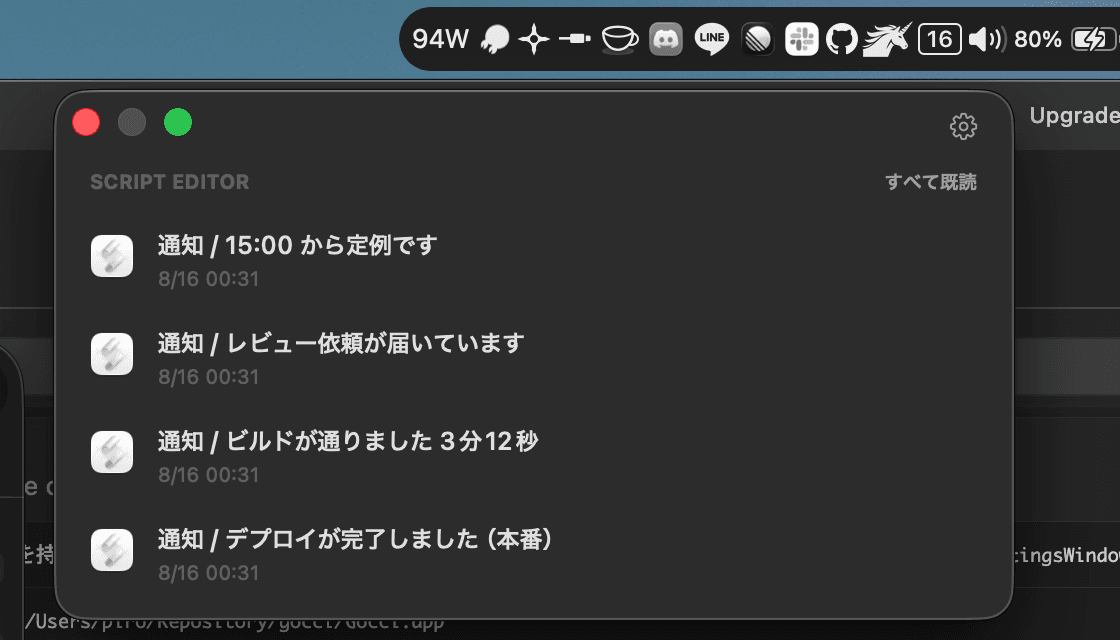
- Collects quietly
- Turn banners off in System Settings and notifications still arrive in Notification Center. Nonja reads them from there and builds a list. Nothing appears over your work.
- Groups by app
- Not one timeline but a bundle per sender, and each bundle's heading clears that app's notifications in a single click.
- Takes you to the source
- Clicking a row does what pressing the real notification does, opening the exact screen it points at.
- Tells you only whether
- A filled mark means something is waiting, an outline means nothing is. No count, so there is no number climbing at the edge of your vision.